Flight Data API Integration: 7 Things to Define Before You Start
Most flight data API integration projects that run late don’t fail because of code.
Whether you are building a flight operations dashboard, an airport tool, an analytics product or an AI agent, these seven questions will help your product and data teams plan a flight data API integration that works from day one, and avoid paying for data you do not use.
1. The use case
Start with the decision the data will support, not with the API. “Show our fleet on a map”, “alert dispatch when a flight is delayed” and “analyze airport traffic over 12 months” need very different data.
Write one sentence per use case: who uses the data, for what decision, and how quickly they need to act. Everything else in this list follows from it.
2. The data fields
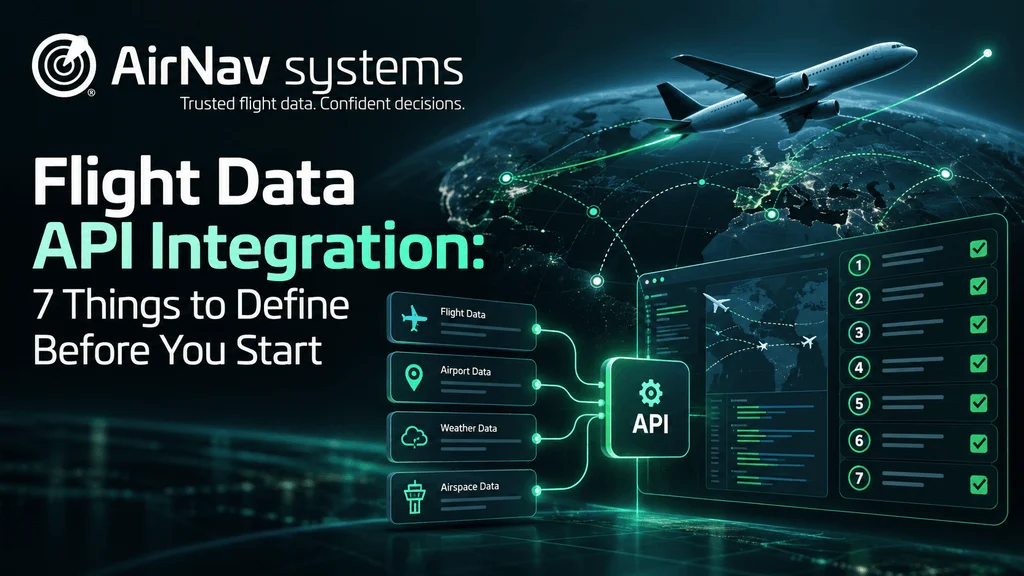
Flight data APIs can return 100+ fields per aircraft: position, altitude, speed, heading, call sign, registration, aircraft type, origin, destination, scheduled and actual times, and more.
List the fields each use case needs and mark them as must-have or nice-to-have. A shorter field list means smaller payloads, simpler code and, often, lower cost.
3. Geographic coverage
Define where you need data: one airport, a country, a region, oceanic routes or the whole world. Coverage varies by source. Ground ADS-B is strong over land, while satellite ADS-B and other sources fill gaps over oceans and remote areas.
Ask the provider for coverage in your specific areas, at the altitudes you care about. Low-altitude coverage near smaller airports can differ a lot from cruise-altitude coverage.
4. Update frequency
Update frequency is how often you receive a new position for each aircraft. A dashboard that refreshes every minute does not need the same rate as a system tracking aircraft on approach or on the ground.
Higher frequency gives smoother tracks and faster detection of changes. With a 2 Hz feed, for example, you get two position updates per second per aircraft. Match the rate to the use case: more data than you need adds cost and processing load. (Read more: What Does 2 Hz Flight Data Mean?)
5. Latency
Latency is the time between an aircraft broadcasting its position and that position reaching your system. It is different from update frequency: you can receive frequent updates that still arrive late.
For live operations, seconds matter. For reports and analytics, minutes or hours are usually fine. Ask providers for measured end-to-end latency, not just the refresh rate of their map.
6. Choose the Delivery Model for Your Flight Data API Integration
How the data reaches you shapes your architecture and your bill.
| Model | How it works | Best for |
|---|---|---|
| Streaming API | A continuous feed pushed to your system | Live operations, large volumes, many aircraft at once |
| On-demand API | You query specific flights, airports or areas when needed | Apps, lookups, lower or irregular volumes |
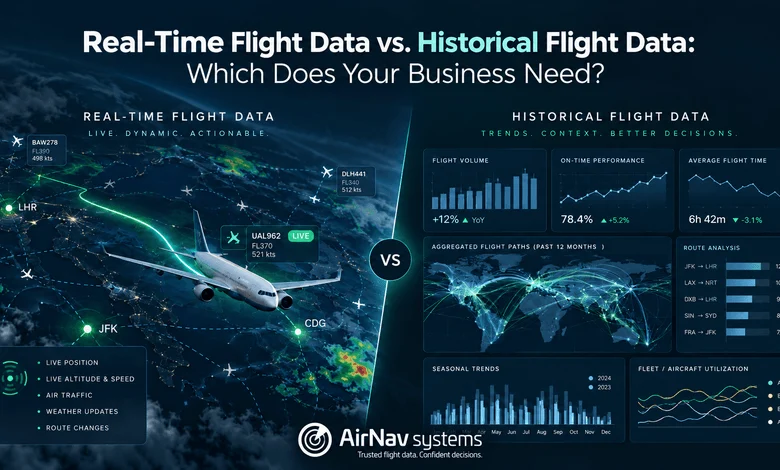
| Historical data | Past flights delivered as files or by query | Analytics, reporting, model training |
Many teams combine them, for example, a stream for live tracking and historical data for monthly reports. Also confirm the formats (JSON, XML, CSV) your systems expect. (Read more: Real-Time vs. Historical Flight Data)
7. Scalability
A scalable flight data API integration grows with your product without forcing a rebuild.
Plan for where you will be in 12 to 24 months, not just at launch. Estimate how many aircraft, queries or regions you will need as the product grows.
Check how pricing scales with volume, what rate limits apply, and what support and service levels (SLAs) the provider offers when the integration becomes business-critical.
Your pre-integration checklist
- ☐ One sentence per use case: who, what decision, how fast
- ☐ Must-have and nice-to-have fields
- ☐ Regions and altitudes you need covered
- ☐ Required update frequency
- ☐ Maximum acceptable latency
- ☐ Delivery model and data format
- ☐ Expected volume in 12 to 24 months, plus SLA needs
How AirNav can help
AirNav delivers flight data from 14+ sources and 55,000+ ADS-B receivers in 190+ countries, through a Stream API for high-volume live data, an On-Demand API for pay-per-query access, and historical data for analytics. Data comes in JSON, XML or CSV, with options up to 2 Hz.
Not sure which option fits your project? Talk to our team with your answers to the checklist above, and we will help you scope the right integration.